Desk
Desk Cable Reset Guide
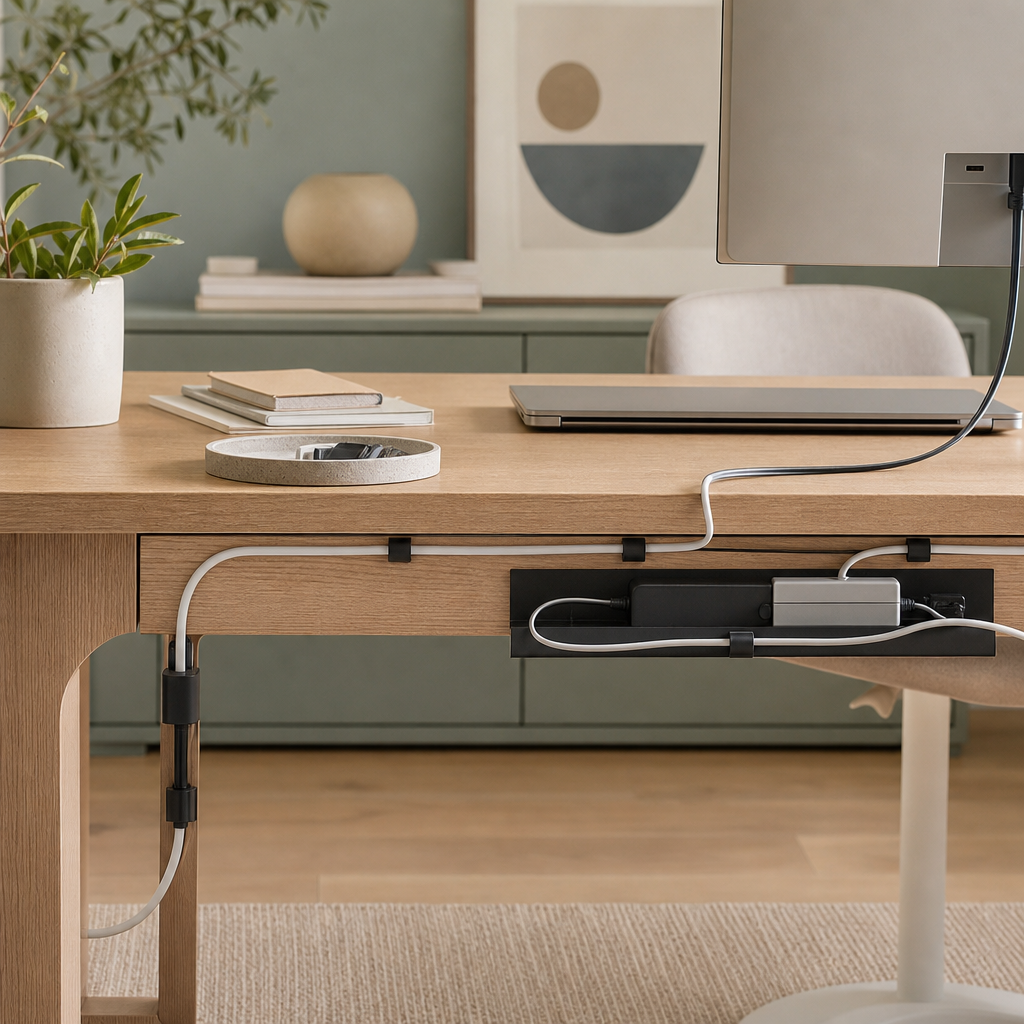
The Problem
A desk can look clean from the top and still feel chaotic because cables hang, snag, fall behind the desk, or show up in the background.
The goal is not a perfect studio setup. The goal is a cleaner cable path that reduces daily annoyance.
The Simple System
- A tray or channel for heavier cables.
- Clips for cable ends you touch often.
- Reusable ties to bundle slack without making the setup permanent.
Before Buying
- Check desk thickness.
- Check whether the product clamps, screws, or uses adhesive.
- Check space under the desk.
- Check whether a standing desk needs extra cable slack.
- Check whether the tray can hold the cords you actually use.
Do not treat cable organizers as electrical safety products. They organize cable paths, but they do not make unsafe electrical setups safe.
Product To Check
The Yecaye No Drill Under Desk Cable Management Tray, SKU/ASIN B0953L1ML6, is a clamp-on metal tray set. It is worth checking if you want a cable tray without drilling into the desk.
Before buying, confirm the current product page details for desk-thickness fit, mounting style, included parts, shipping, returns, and recent reviews.
- Measure desk thickness and underside clearance.
- Yecaye's source page lists a 0.4 to 2.3 inch desk-thickness range; verify that still matches the current listing.
- Confirm the exact set contents before linking: tray count, clamps, ties, color, and dimensions.
- Confirm clamp, screw, or adhesive mounting before ordering.
- Check recent reviews for clamp strength and missing parts.
Affiliate link: Small Reset Lab may earn from qualifying purchases. Check the current listing for price, availability, dimensions, reviews, shipping, and returns before buying.